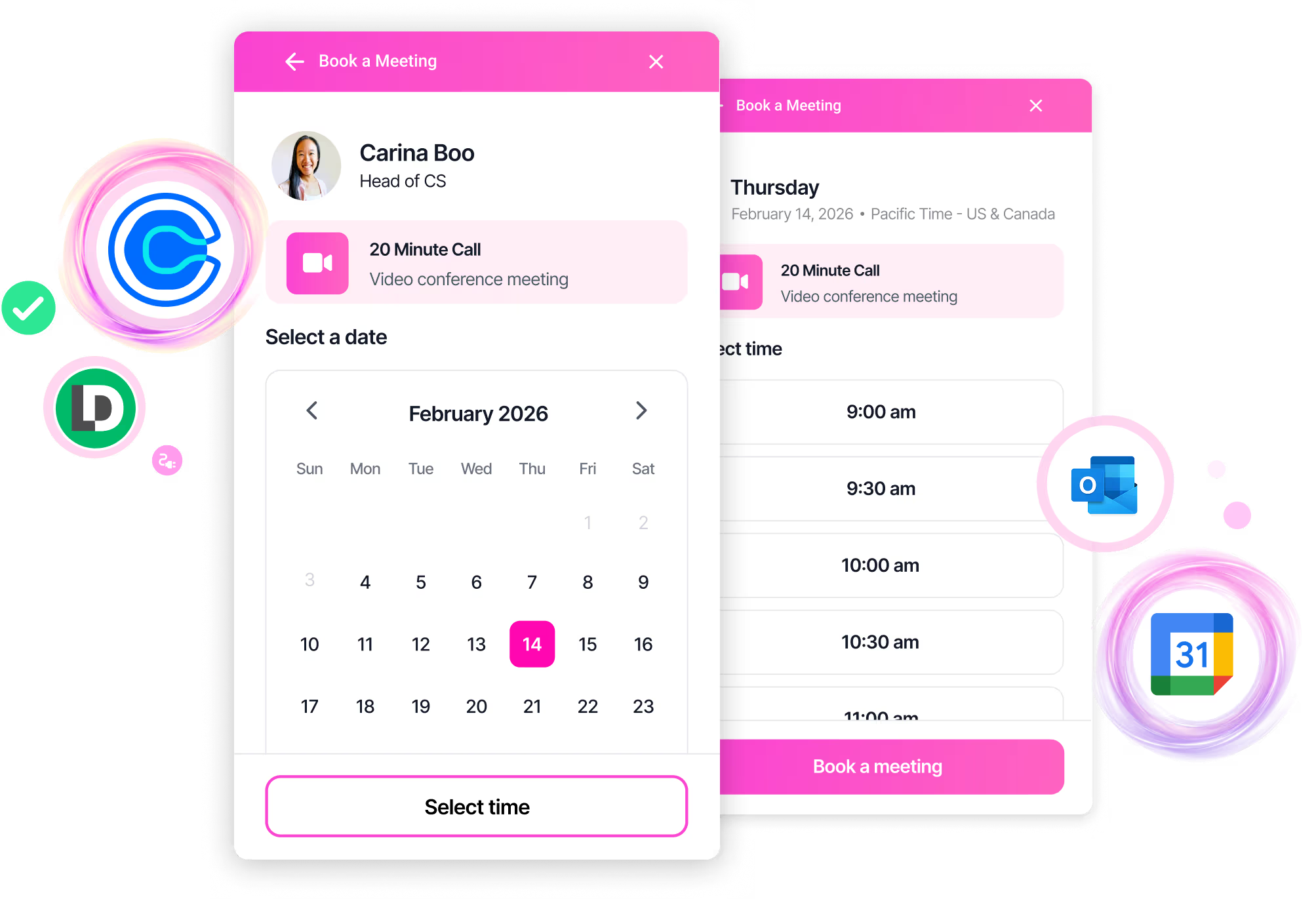





Any calendar service with a booking link works — Calendly, Google Calendar appointment scheduling, Microsoft Bookings, Cal.com, HubSpot Meetings, and more. Warmly embeds your existing booking link in the chat experience.
No — Warmly works WITH your calendar service. Warmly handles visitor identification, conversation context, and routing to the right calendar. Your calendar service handles availability, invites, and confirmations. Together, they create a seamless booking experience with full context.
Two options:
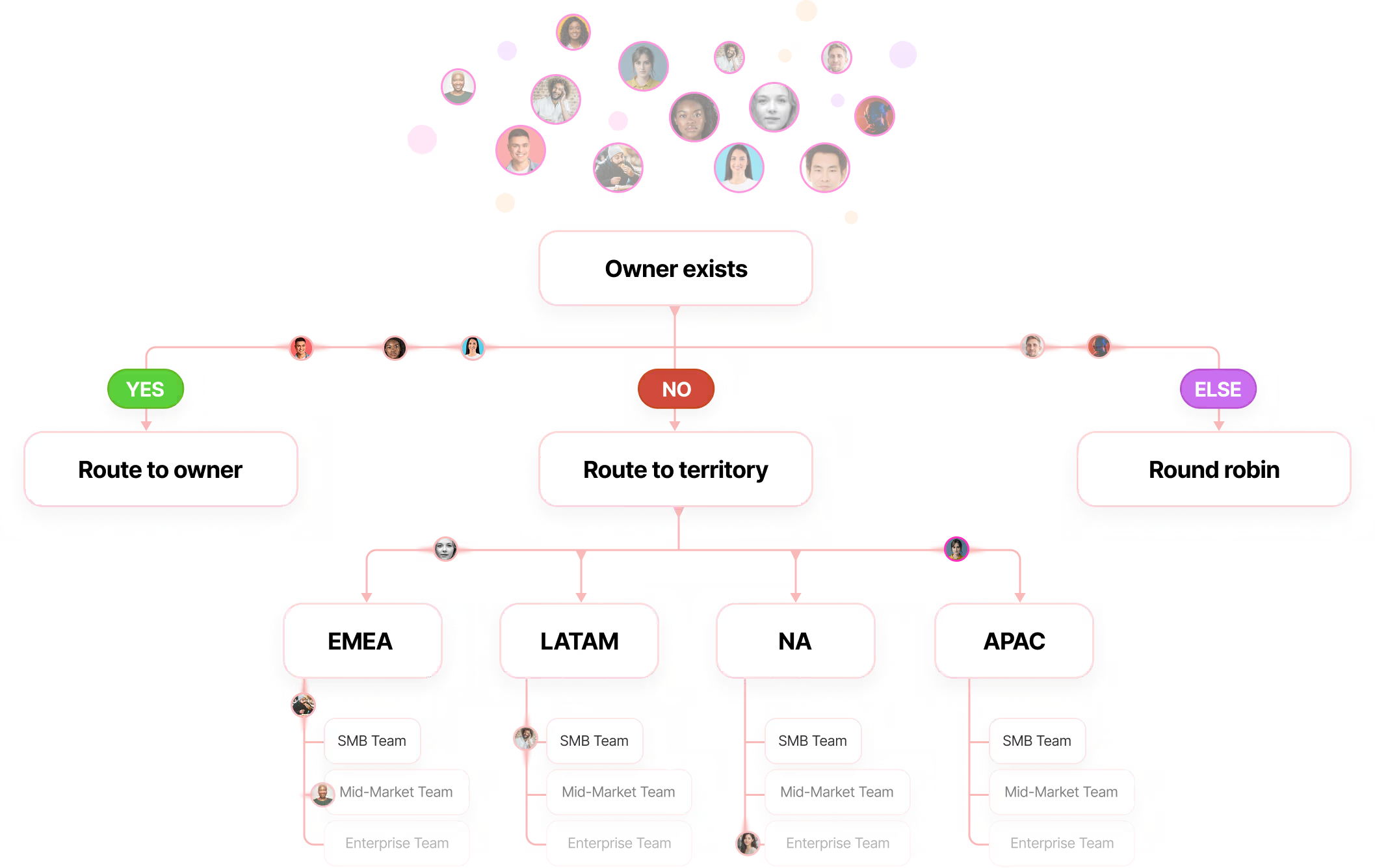
1. Show the assigned rep's personal calendar link, or
2. Show your team's shared booking link. Assignment happens via your routing rules before the booking step.
Warmly falls back to your team calendar. Make sure to configure a team-level booking link as your default.
Yes. By default, your calendar embeds directly in the chat panel (iframe). You can also configure it to open in a new tab or redirect the current page.
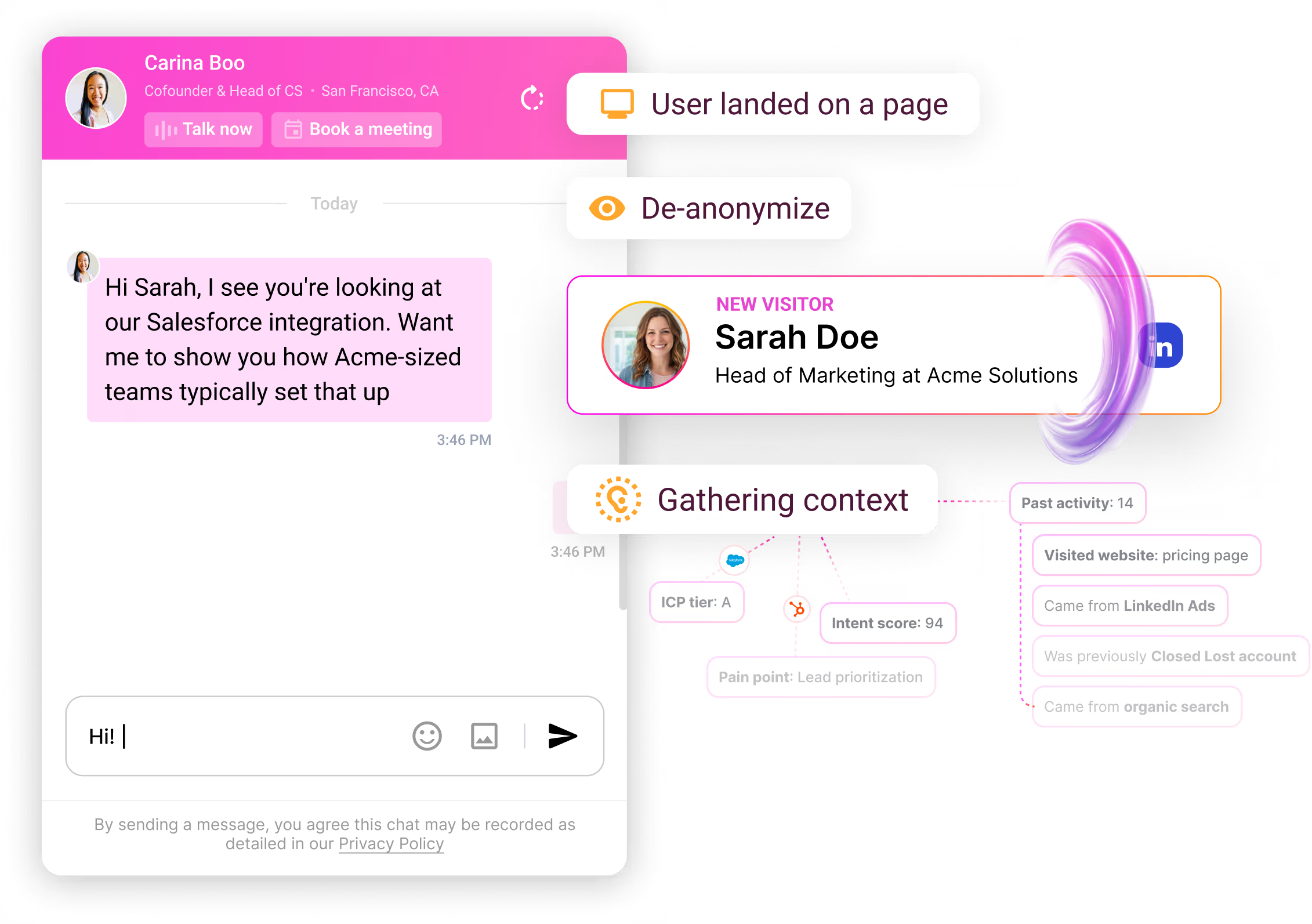
Context. When visitors book through Warmly, your reps see: who they are (identity), what they asked (conversation), what they viewed (pages), and their buying signals (intent). A standalone Calendly link gives you none of that.
No. Keep using Calendly, Google Calendar, or whatever you use today. Just add your booking link to Warmly, and we'll embed it with full visitor context.
Show rates improve because visitors have a conversation before booking — they're more engaged than form-fillers. Your calendar service handles reminders and confirmations as usual.
Yes. One rep can use Calendly, another can use Google Calendar. Each rep configures their own booking link in their Warmly profile.
Under 10 minutes. Add your calendar link to your profile, configure your team calendar, and add the booking node to your chat workflow. No integrations to build — just paste your booking URL.