


Know the Moment Your Best Prospects Arrive

What are Warmly's Real-time Alerts?
You're Missing Your Best Opportunities


Connection to Inbound Agent

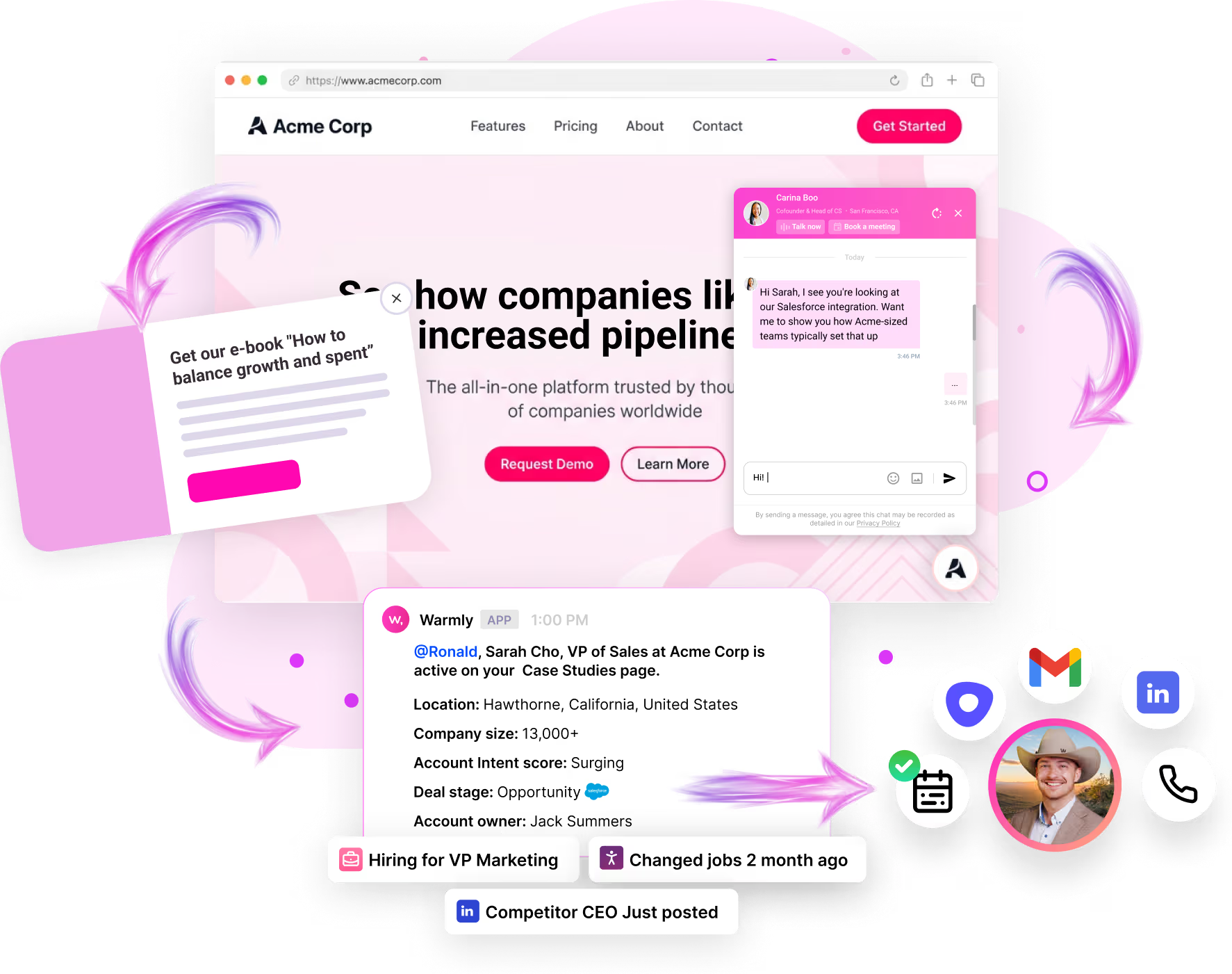
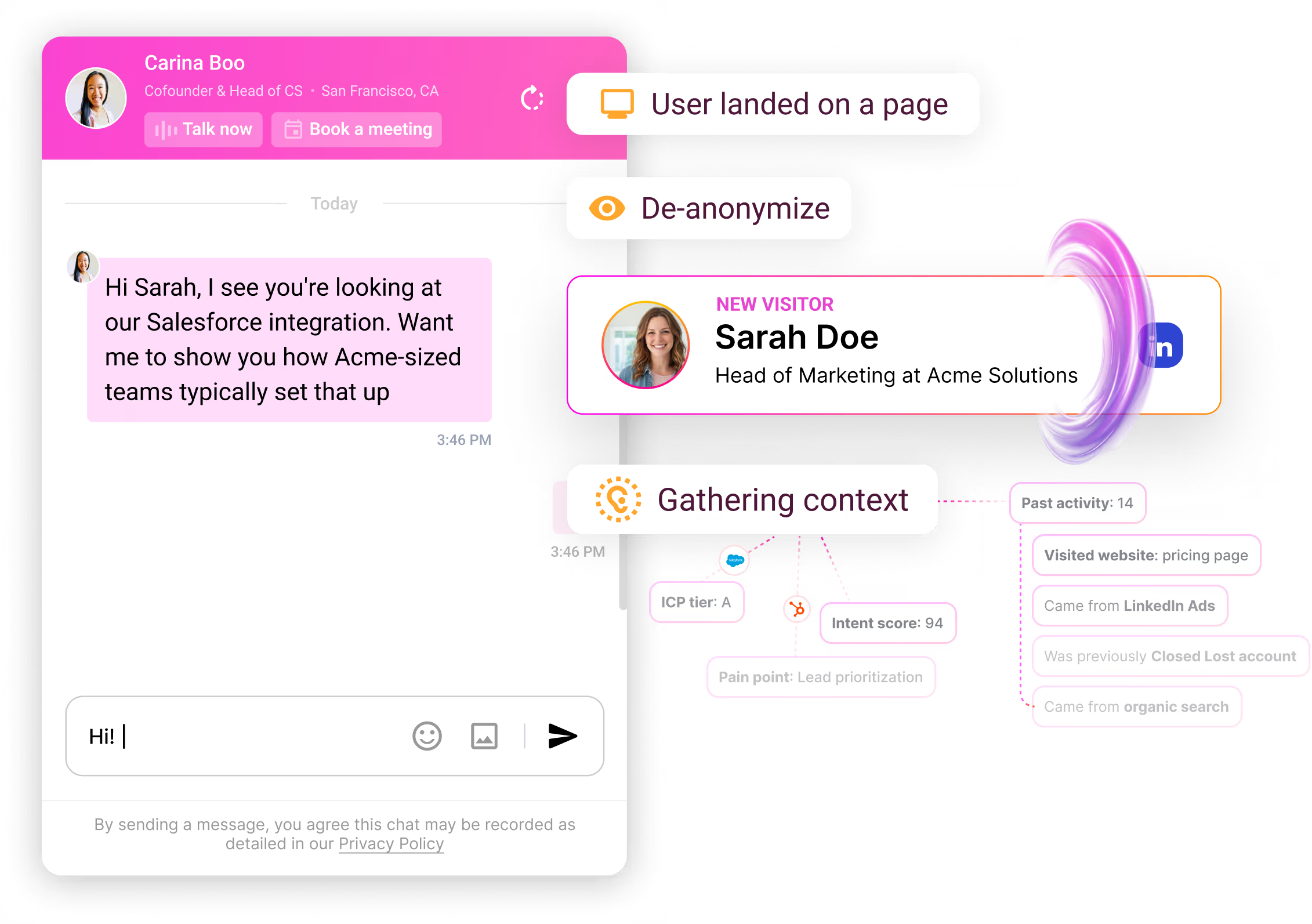
Trigger → Context → Action

Define What Matters to You


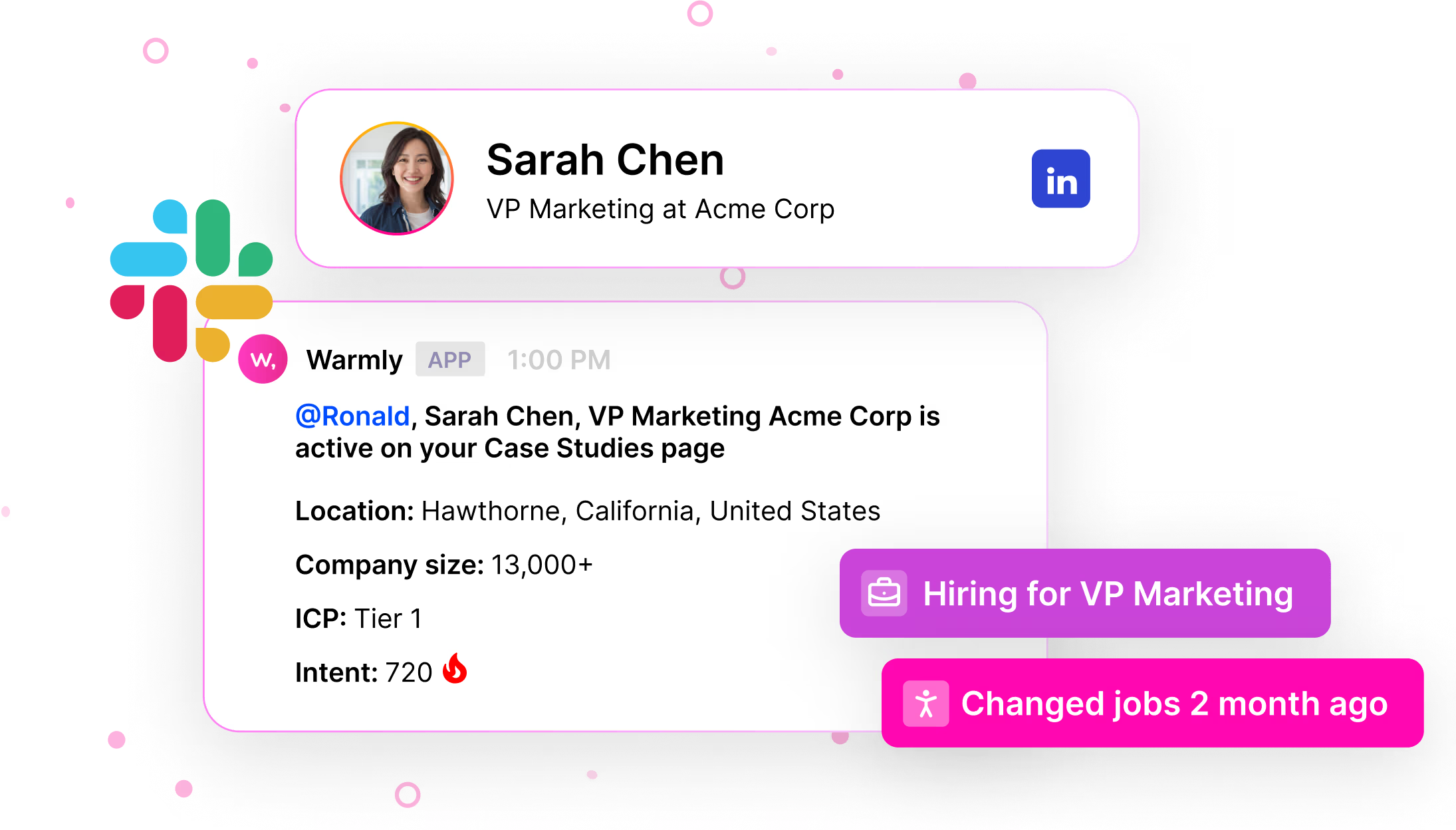
Full Context in Every Alert


Get Notified Where You Work
Right Alert to Right Person
What Teams See
Start Getting Alerts Today


Common Questions
Under 5 seconds from visitor landing to alert delivery. Real-time, not batched.
Yes. Set frequency caps (one per visitor per day), thresholds (only high intent), and schedules (business hours only). Control the volume.
Yes. Slack mobile and MS Teams mobile both deliver alerts with push notifications. Same full context, same action links.
Configure specific triggers for what actually matters. Start with high-value criteria (Tier 1 accounts, decision-makers, active deals) and expand as needed.
Yes. Each rep can configure personal alert preferences on top of team rules. Customize sensitivity by role.
Warmly logs all alert-worthy visits. Review the dashboard to see what you missed and reach out with "saw you on our site" messaging.
You choose. Configure alerts 24/7 or only during working hours. Off-hours alerts can route to on-call or queue for morning review.
Yes. Set up alerts for visits from competitive accounts or when visitors from competitor companies browse your content. Understand competitive interest in real-time.
Alerts include direct links to open the contact/account in Salesforce or HubSpot. Alert activity can also be logged automatically to the CRM for full visibility.